


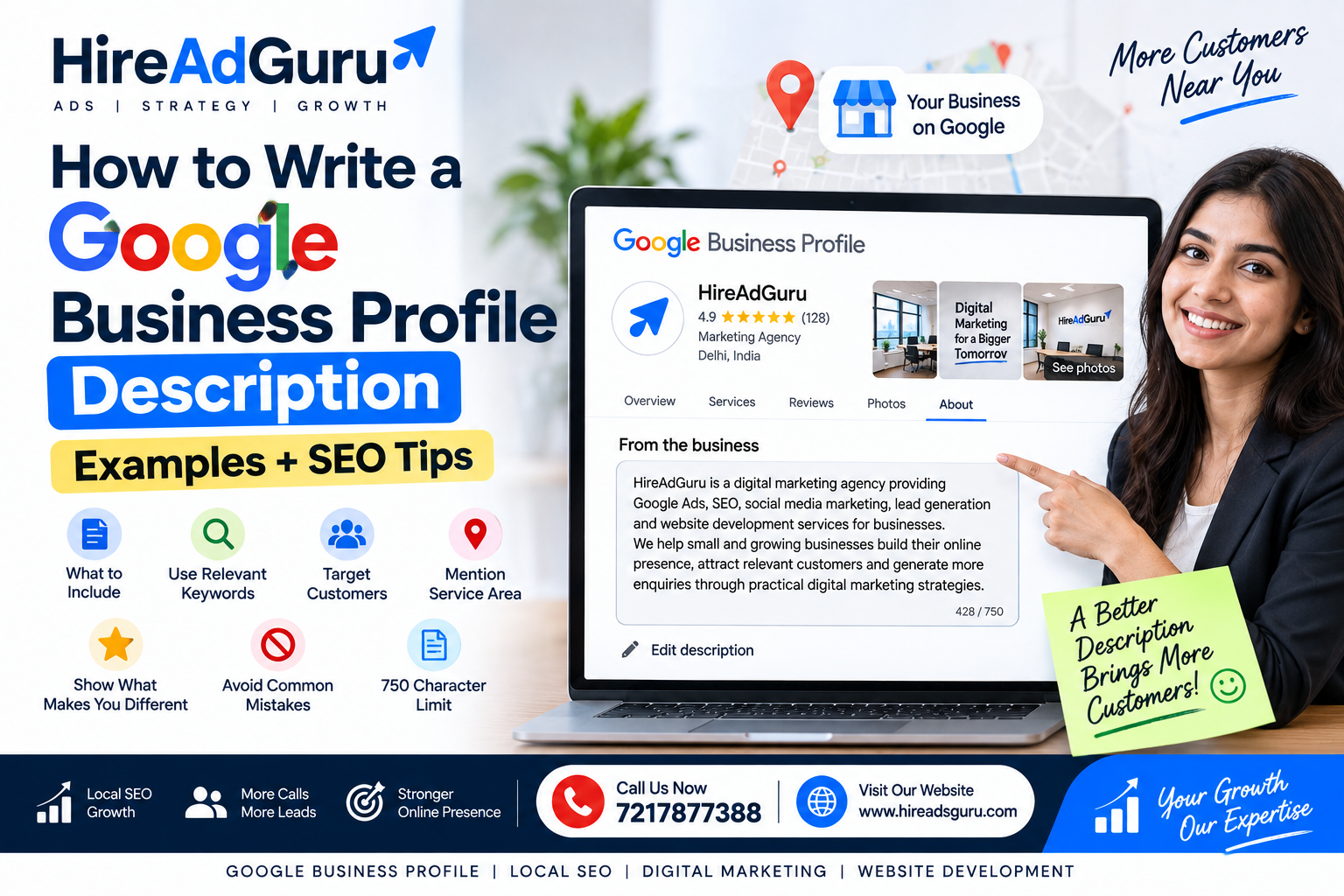
How to Write a Google Business Profile Description
How to Write a Google Business Profile Description – Your Google Business Profile description is a small section of your profile, but it can help potential customers quickly understand what your business does.
A good description should tell people:
- What your business offers
- Who you serve
- What makes your business different
- Which products or services you provide
- What customers can expect
Google allows businesses to add a description that appears in the “From the business” section of their Business Profile. The description can be up to 750 characters. Google says it should focus on useful information about the business and should not contain URLs, HTML, prices, sales, or promotional offers.
The goal is not to fill the description with keywords.
The goal is to explain your business clearly and naturally.
What Is a Google Business Profile Description?
A Google Business Profile description is a short summary that explains what your business does.
For example, a local digital marketing agency might write:
HireAdGuru is a digital marketing agency providing Google Ads, SEO, social media marketing, lead generation, and website development services for businesses. We help small and growing businesses build their online presence, attract relevant customers, and generate more enquiries through practical digital marketing strategies.
This tells a potential customer what the company does without using unnecessary promotional language.
How Long Can a Google Business Profile Description Be?
Google currently allows up to 750 characters in the business description field.
You do not have to use all 750 characters.
A shorter description can work well if it clearly communicates the important information.
A useful structure is:
Business + Service + Location/Customer + Differentiator + Experience
For example:
ABC Plumbing provides residential and commercial plumbing services in Delhi. Our team handles plumbing repairs, leak detection, bathroom plumbing, pipe repairs, and other common plumbing requirements. We focus on clear communication, reliable service, and practical solutions for homes and businesses.
What Should You Include in a Google Business Profile Description?
Google recommends using the description to provide useful information about your products or services, what makes the business different, and relevant business history.
Here are the main elements to consider.
1. Clearly Explain What Your Business Does
Start with the most important information.
Don’t make customers guess what your business offers.
Instead of:
Welcome to our company. We are committed to providing excellent service to our customers.
Try:
We provide residential AC repair, AC servicing, installation, and maintenance services.
The second version immediately explains the business.
2. Mention Your Main Services
Include the services customers are most likely to search for.
For a digital marketing agency, these might include:
- Google Ads
- SEO
- Social media marketing
- Lead generation
- Website development
For an AC service company:
- AC repair
- AC servicing
- AC installation
- AC maintenance
Don’t turn the description into a giant keyword list.
Write the services naturally in sentences.
3. Mention the Customers You Serve
If relevant, explain who your business serves.
Examples:
We work with small businesses, startups, retailers, and professional service companies.
Or:
We provide residential plumbing services for homeowners and property managers.
This helps potential customers quickly determine whether your business is relevant to them.
4. Mention Your Service Area Naturally
If your business serves a particular city or area, mentioning it naturally can make the description more useful.
For example:
We provide digital marketing services to businesses in Delhi NCR and across India.
However, don’t create a keyword-stuffed list such as:
SEO Delhi, SEO Noida, SEO Gurgaon, SEO Ghaziabad, SEO Faridabad…
That makes the description look unnatural.
Your Business Profile already contains structured information about your location and service areas. Google uses information from multiple sources when determining local search relevance.
5. Explain What Makes Your Business Different
Give customers a reason to consider your business.
This could be:
- Specialized experience
- A particular service
- Industry expertise
- Local knowledge
- A specific business approach
- Years in business
- A particular customer focus
For example:
We focus on practical digital marketing strategies designed around measurable business goals rather than simply generating website traffic.
Only include claims that are accurate.
Google Business Profile Description Examples
Here are examples for different types of businesses.
HireAdGuru is a digital marketing agency providing Google Ads, SEO, social media marketing, lead generation, and website development services. We work with businesses to improve their online visibility, attract relevant visitors, and generate enquiries through practical digital marketing strategies.
Plumber
ABC Plumbing provides residential and commercial plumbing services, including leak repairs, pipe repairs, bathroom plumbing, installation, and general maintenance. We serve homeowners and businesses with a focus on reliable service, clear communication, and practical plumbing solutions.
Dentist
XYZ Dental Clinic provides general and preventive dental care for children and adults. Our services include dental checkups, cleanings, fillings, crowns, and other common dental treatments. We focus on clear communication and helping patients maintain good oral health.
Restaurant
ABC Restaurant serves Indian and North Indian cuisine with a menu featuring traditional dishes, vegetarian options, and meals for families and groups. We offer dine-in and takeaway options and focus on fresh preparation and a comfortable dining experience.
Real Estate Agency
ABC Realty helps buyers, sellers, and investors with residential and commercial property requirements. Our services include property buying, selling, leasing, and investment assistance. We work with clients to understand their requirements and identify suitable property opportunities.
Local Salon
ABC Salon provides haircuts, styling, hair treatments, skincare, and beauty services for men and women. Our team focuses on personalized service and helping customers choose treatments and styles that suit their needs.
Google Business Profile Description Template
You can use this simple template:
[Business Name] is a [business type] providing [main services/products] for [target customers] in [location/service area]. We specialize in [important services or products] and focus on [what makes your business different]. Our goal is to provide [customer benefit] through [your approach or expertise].
Don’t copy the template word for word.
Use it as a framework and make the final description sound like your actual business.
Should You Add Keywords to Your Google Business Profile Description?
Yes, but naturally.
If your business provides SEO services, it is reasonable to mention SEO services in the description.
For example:
We provide SEO services, Google Ads management, website development, and lead generation solutions for small and growing businesses.
That’s natural.
Keyword stuffing would look more like:
SEO company Delhi SEO services Delhi best SEO agency Delhi SEO expert Delhi SEO consultant Delhi…
Avoid this.
The description should primarily help customers understand the business.
Should You Add Your Phone Number to the Description?
It is better to use the dedicated phone field in your Google Business Profile rather than trying to turn the description into contact information.
The description is intended to explain the business.
Your Business Profile has dedicated fields for important business information, including contact details and website information. Google also advises businesses to keep their profile information complete and accurate.
Can You Add a Website URL to the Description?
No.
Google’s current guidance says business descriptions should not include web addresses or URLs.
Use the website field provided in your Business Profile instead.
Can You Add Offers or Prices?
Avoid using the description for promotions, discounts, sales, or pricing.
For example, avoid:
50% OFF all services!
or:
Best AC service only ₹499!
Google specifically says the business description should not focus on promotions, prices, or sales.
If you want to communicate an offer, use the appropriate Business Profile features designed for that purpose.
Does the Google Business Profile Description Help Local SEO?
The description is one part of your overall Business Profile.
Don’t expect a description alone to make a business rank at the top of Google Maps.
Google says local ranking is primarily based on factors including relevance, distance, and prominence. Google also recommends keeping business information complete and accurate, managing reviews, and adding photos and other useful information.
So think about your Business Profile as a complete asset rather than one description field.
Important areas include:
- Correct business category
- Accurate business information
- Complete profile
- Relevant services
- Business description
- Reviews and review responses
- Photos
- Website
- Business hours
- Relevant attributes
- Consistent business information
Common Google Business Profile Description Mistakes
1. Keyword Stuffing
Don’t repeat the same keyword again and again.
2. Adding Too Many Locations
Avoid turning your description into a list of cities.
3. Using Promotional Language
Avoid making the description primarily about discounts or special offers.
4. Adding URLs
URLs don’t belong in the business description.
5. Making Unrealistic Claims
Don’t claim:
#1 business on Google
or:
Guaranteed Google Maps ranking
unless you have a legitimate basis and the claim complies with Google’s policies.
Google’s Business Profile policies prohibit false, misleading, or unrealistic claims.
6. Writing Only About Yourself
Focus on information that helps customers understand what you offer.
7. Using Poor Grammar or Random Characters
Keep the description professional, readable, and natural.
Google’s guidance specifically warns against low-quality, irrelevant, distracting content and gimmicky character use.
A Simple Formula for Writing a Good GBP Description
Use this five-part formula:
1. Who are you?
ABC is a local plumbing company…
2. What do you offer?
…providing plumbing repairs, installation and maintenance…
3. Who do you serve?
…for homes and businesses…
4. Where do you serve?
…serving customers across Delhi NCR…
5. What makes you different?
…with a focus on reliable service and clear communication.
Combine these naturally into one short description.
Before Publishing Your Description
Use this checklist:
- Business type is clear
- Main services are included
- Target customers are clear
- Service area is mentioned naturally where useful
- Important differentiator is included
- Description is under 750 characters
- No URL
- No HTML
- No promotional pricing
- No keyword stuffing
- No unrealistic claims
- Grammar has been checked
- Information accurately represents the business
How to Edit Your Google Business Profile Description
If your Business Profile is already verified and you have management access, you can edit the profile information through Google Search or Google Maps.
The exact interface can change, but the goal is to open your Business Profile, choose the option to edit your profile information, and update the business description.
Google’s official Business Profile help provides current instructions for managing profile information.
Final Takeaway
A good Google Business Profile description doesn’t need to be complicated.
It should quickly answer:
What do you do?
Who do you serve?
Where do you operate?
What makes your business useful or different?
Write for customers first, use relevant keywords naturally, stay within Google’s guidelines, and keep the information accurate.
Your description is only one part of Local SEO, but a clear and complete Business Profile gives potential customers a much better understanding of your business.
Need Help Optimizing Your Google Business Profile?
If your Google Business Profile isn’t generating enough calls, enquiries, or local visibility, HireAdGuru can help with Local SEO, Google Business Profile optimization, SEO, Google Ads, lead generation, and website development.
Call HireAdGuru: 7217877388
Visit HireAdGuru: www.hireadsguru.com
- 0
- By admin