


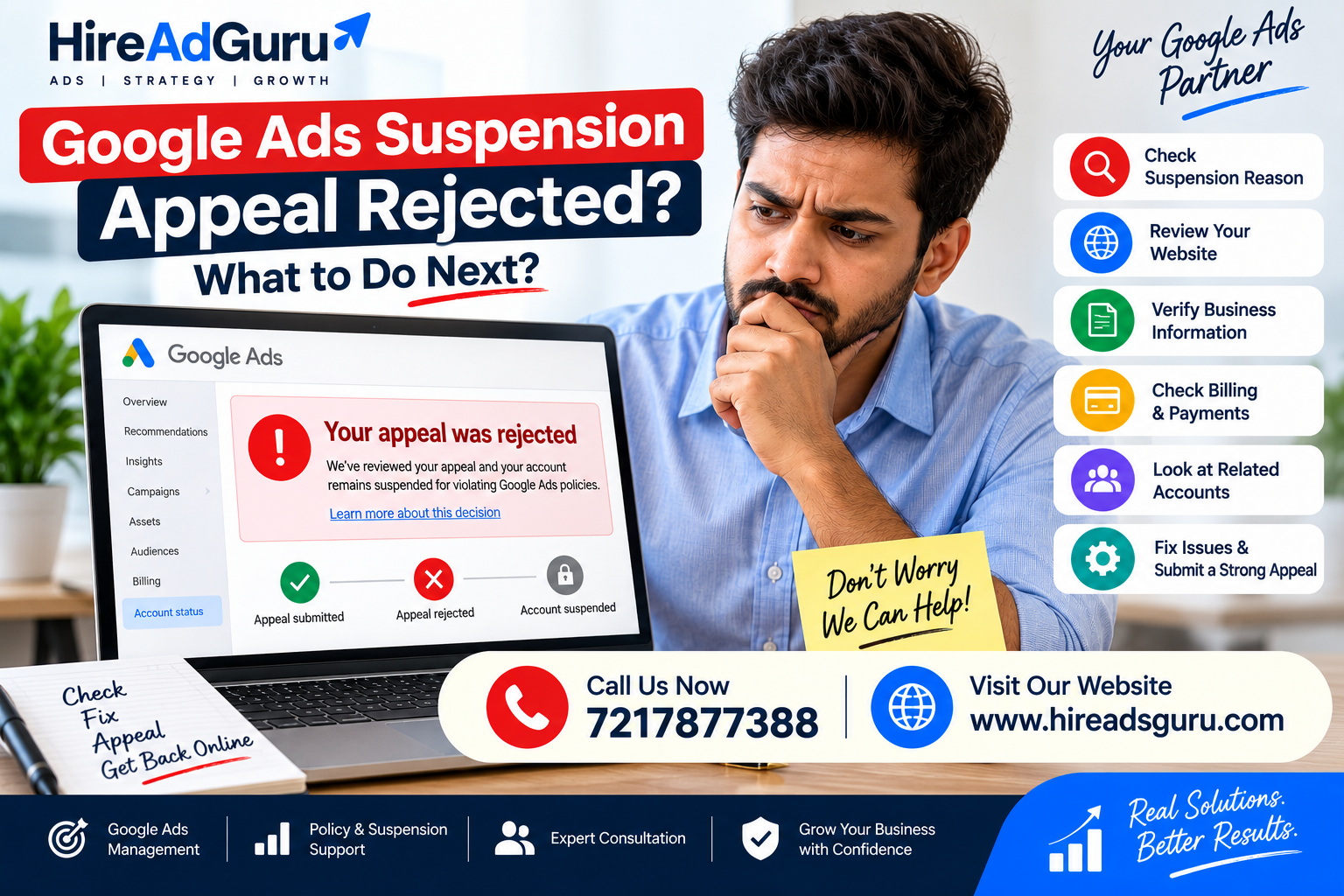
Google Ads Suspension Appeal Rejected: What to Do Next
Google Ads Suspension Appeal Rejected: What to Do Next
Having your Google Ads suspension appeal rejected can be frustrating, especially when you believe your business follows Google’s advertising policies.
The important thing is not to panic or immediately create another Google Ads account. A rejected appeal usually means you need to look more carefully at the reason for the suspension, your website, account setup, billing information, advertiser verification, and any other accounts or business relationships connected to the account.
Google states that suspended advertisers should address policy issues and submit an appeal when they believe the suspension was incorrect. Google also recommends resolving related account issues before attempting to advertise again.
This guide explains what to do after a Google Ads suspension appeal is rejected, what to check before another appeal, and common mistakes to avoid.
What Does a Rejected Google Ads Suspension Appeal Mean?
A rejected appeal means Google reviewed the suspension and did not remove the suspension based on the information provided.
It does not necessarily mean that you can never appeal again.
The next step depends on why your Google Ads account was suspended and whether the underlying issue has actually been resolved.
Google’s own guidance says advertisers should provide relevant information and explain why they believe the suspension is incorrect. Account reinstatement is generally based on compelling circumstances, such as an incorrect suspension.
So the goal should not be:
“How can I submit another appeal quickly?”
The better question is:
“What could still be causing Google to consider this account non-compliant?”
Don’t Immediately Create a New Google Ads Account
One of the biggest mistakes after a suspension is creating a new account and attempting to advertise from it.
Google specifically warns that related accounts may also be suspended and recommends reinstating suspended accounts before attempting to create new ones.
Creating another account can therefore make the situation more complicated rather than solving it.
Before doing anything else, investigate the original suspension.
Step 1: Find the Exact Suspension Reason
Start with the suspension notification inside your Google Ads account and the email Google sent you.
Look for the exact policy or suspension category.
Possible reasons can include issues involving:
- Billing and payments
- Circumventing systems
- Unacceptable business practices
- Misrepresentation
- Suspicious payment activity
- Advertiser verification
- Website or landing-page issues
- Related or previously suspended accounts
- Other Google Ads policy violations
Google provides information about the policy enforcement action in the account and email notification.
Do not treat every suspension as the same problem.
The correct fix depends on the actual policy reason.
Step 2: Check Your Website Carefully
Your website can be an important part of a Google Ads policy review.
Check:
- Business name
- Business address
- Phone number
- Email address
- Contact page
- About Us page
- Terms and Conditions
- Privacy Policy
- Refund or cancellation information where relevant
- Service descriptions
- Pricing information where appropriate
- Claims made on landing pages
- Links and redirects
- Forms and payment processes
Make sure the information on your website accurately represents the business.
For example, if your Google Ads account identifies a business as one company but the landing page presents a different business identity, that inconsistency should be investigated.
Step 3: Check Your Business Information
Make sure your business details are consistent across your:
- Google Ads account
- Website
- Google Business Profile
- Payment profile
- Business registration information
- Contact information
- Advertiser verification information
This does not mean every business must have identical information everywhere, but important identity and business details should be accurate and explainable.
If Google requests advertiser verification, complete it accurately. Google notes that certain suspended advertisers may need to successfully complete verification before appealing.
Step 4: Review Billing and Payment Information
Billing issues can sometimes contribute to account restrictions or suspensions.
Check:
- Payment method
- Billing profile
- Payment failures
- Outstanding balances
- Name and billing information
- Whether the payment method belongs to the business
- Any unusual payment activity
If the suspension specifically relates to billing or payments, focus on resolving that issue rather than making unrelated website changes.
Step 5: Check Related Google Ads Accounts
This step is particularly important for agencies, businesses with multiple accounts, and advertisers who have previously used Google Ads.
Check whether you have:
- Old Google Ads accounts
- Previous suspended accounts
- Manager Accounts
- Client accounts
- Accounts created by previous agencies
- Accounts using shared payment or business information
Google says related accounts can also be affected by a suspension.
If there is a legitimate connection between accounts, be prepared to explain it accurately.
Step 6: Review the Website and Ads Together
Don’t review your website and advertisements separately.
Look at the complete customer journey:
Google Search → Ad → Landing Page → Form/Call → Business
Ask:
- Does the ad accurately describe the service?
- Does the landing page deliver what the ad promises?
- Is the business identity clear?
- Are claims supported?
- Is the contact information genuine?
- Are there unexpected redirects?
- Is the website functioning correctly?
- Are users clearly informed about what they are buying?
Google’s advertising policies can apply to ads, assets and destinations, so fixing only the ad may not resolve a broader issue.
Step 7: Don’t Submit Repeated Appeals Without Changes
If your first appeal was rejected, simply submitting the same explanation again is usually not a strong strategy.
For ad-level policy appeals, Google specifically advises advertisers not to repeatedly submit appeals after a failed or duplicate appeal. Google also states that individual ads are limited to three appeals before further appeals may require contacting support.
Instead:
Rejected appeal
↓
Identify the policy
↓
Review account + website + billing + related accounts
↓
Fix genuine issues
↓
Collect relevant information
↓
Submit a clear, accurate appeal
The exact process can differ depending on whether you are dealing with a suspended account or a disapproved ad.
Step 8: Write a Specific Appeal
A weak appeal might say:
“My account is legitimate. Please reactivate it.”
That doesn’t give Google much useful information.
A stronger appeal should clearly explain:
- What your business does
- What you believe caused the issue
- What you reviewed
- What you changed
- How your business operates
- Any relevant verification or supporting information
- Why you believe the suspension should be reconsidered
Be factual.
Don’t make claims you cannot prove.
Don’t invent documents or explanations.
Google emphasizes that appeals should contain relevant information and an explanation of why the suspension is believed to be incorrect.
Google Ads Suspension Appeal Example
Here is a basic structure you can adapt:
Subject: Request for Google Ads Account Suspension Review
Hello Google Ads Support,
We are requesting a review of the suspension on our Google Ads account.
Our business provides [describe your service/product] through [website URL]. We reviewed the suspension reason and carefully checked our website, business information, payment details, advertising setup and related account information.
We have addressed the issues we identified and verified that the information associated with our business and advertising account is accurate.
We believe the account now complies with the applicable Google Ads policies and would appreciate a manual review of the account and the information provided.
Business name: [Business Name]
Website: [Website]
Google Ads Customer ID: [Customer ID]Thank you for reviewing our account.
Only include statements that are actually true for your business.
What If the Second Appeal Is Rejected?
Don’t immediately start creating new accounts.
Go back to the suspension reason and determine what remains unresolved.
If the issue is unclear, use the available Google Ads support options and provide the relevant account information.
Google’s official guidance says that if an appeal fails, advertisers should review the policies and address the issues before submitting another appeal.
For some suspension types, Google may also limit further appeals or require additional verification.
Common Mistakes After a Google Ads Suspension
1. Creating a new account
This can create additional account relationships that Google may review.
2. Submitting the same appeal repeatedly
If nothing has changed, another identical appeal is unlikely to provide useful new information.
3. Changing random things on the website
Don’t remove important business information just because you think it might help.
Make changes based on the actual policy issue.
4. Using another person’s payment method
Your billing setup should be legitimate and explainable.
5. Hiding the business identity
Your website and account should accurately represent who is advertising.
6. Using misleading claims
Avoid unsupported guarantees, unrealistic promises, or claims that could misrepresent your service.
7. Asking someone to create a replacement account
A new account does not automatically solve the underlying policy problem.
How Long Does a Google Ads Suspension Appeal Take?
There is no single guaranteed review time for every suspension.
Google says advertisers can track appeal status through Policy Manager for applicable policy decisions. For ad-level appeals, Google says to check back after 24 hours when an appeal is in progress.
The complexity and type of policy issue can affect the process.
Google Ads Suspension vs Ad Disapproval
These are not the same thing.
Ad disapproval
A specific ad or asset cannot run because it violates or appears to violate a policy.
You may be able to fix the ad or landing page and request another review.
Account suspension
The entire Google Ads account is prevented from serving ads.
This is much more serious and requires addressing the underlying account-level issue.
Google’s account suspension guidance explains that suspended accounts cannot run ads until the account is successfully reinstated.
When Should You Get Professional Help?
If your appeal has already been rejected and you are unsure why, a professional Google Ads policy review can help you systematically examine:
- Account structure
- Website
- Landing pages
- Business information
- Billing setup
- Advertiser verification
- Related accounts
- Policy history
- Previous appeals
The goal should be to identify and resolve the actual problem, not to find a workaround for Google’s enforcement systems. Goo
Frequently Asked Questions
Can I appeal a rejected Google Ads suspension?
In many cases, yes, but the available appeal process depends on the type of suspension and Google’s current requirements. Review the suspension notification and Policy Manager for the applicable options. Google recommends addressing the policy issue and providing relevant information rather than repeatedly submitting unfounded appeals.
Should I create a new Google Ads account after suspension?
Generally, no. Google warns that related accounts can also be suspended and recommends reinstating suspended accounts before attempting to create new ones.
Why was my Google Ads suspension appeal rejected?
The reason depends on the specific policy involved. Common areas to investigate include the website, business information, billing, advertiser verification, related accounts, and the original policy violation.
Can changing my website help?
It can if the website contains a genuine issue related to the suspension. However, changing unrelated content simply to try to pass a review is not a reliable solution. Fix the specific policy problem identified by Google.
Can HireAdsGuru help with a Google Ads suspension?
A professional Google Ads review can help identify potential policy, website, account or setup issues and prepare a factual appeal based on the actual situation. However, no agency can guarantee that Google will reinstate a suspended account. The final decision belongs to Google.
Final Takeaway
If your Google Ads suspension appeal was rejected, don’t treat the rejection as a signal to create another account or submit the same appeal again.
Start with the actual suspension reason.
Review your website, business identity, billing information, advertiser verification, related accounts and advertising setup. Fix genuine issues, gather relevant information, and submit a clear and honest appeal when another appeal is available.
The objective is simple:
Find the real issue → fix it → document the changes → submit a strong, factual appeal.
If you need help reviewing a suspended Google Ads account, contact HireAdGuru for a Google Ads account and policy review.
📞 Call HireAdsGuru
💬 Chat on WhatsApp
📩 Request a Google Ads Suspension Review
- 0
- By admin